The GitLab, Trello, and Jira Hunt
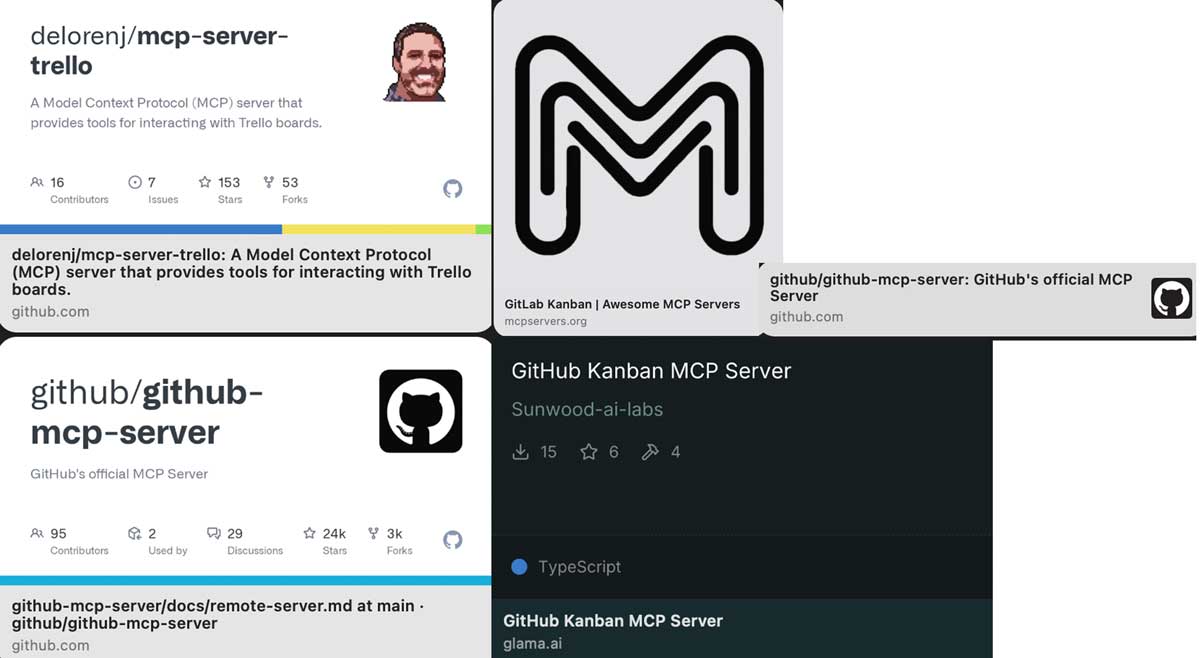
Tried GitLab MCP. Nothing. Tried Trello API. Complicated. Professor warned about Jira. Everything felt hard. Spent two days chasing integrations that didn't exist.
The Integration Problem
Voice Kanban needs to connect to actual project management boards. Not simulated boards. Not fake data. Real GitLab issues, real Trello cards, real Jira tickets.
The architecture seemed straightforward: Whisper transcribes voice → Claude interprets intent → MCP server translates to API calls → Board updates.
But which boards? Which APIs? Which MCP servers even exist?
Attempt 1: GitLab MCP
GitLab seemed like the obvious choice. Open source. Good API documentation. Built-in Kanban boards through their "issue boards" feature.
I searched for GitLab MCP servers.
Found: nothing official.
Found: a few community projects on GitHub with 2-5 stars, last updated 8 months ago, no installation instructions that worked.
Tried cloning one repository. Ran npm install. Dependency errors. Python version conflicts. Authentication token confusion.
Two hours later: still no working connection.
Attempt 2: Trello API
Trello is pure Kanban. Cards, lists, boards, nothing else. If Voice Kanban works anywhere, it should work with Trello.
The API documentation looked promising. REST endpoints for everything:
GET /boards/{id}/lists- Get all columnsPOST /cards- Create new cardPUT /cards/{id}- Move card to different listPOST /cards/{id}/idMembers- Assign to team member
But the implementation questions piled up:
- How do I get board IDs programmatically?
- How do I map list names like "In Progress" to list IDs?
- How do I handle authentication tokens across multiple users?
- What if someone renames a list, does everything break?
The API worked. But mapping natural language voice commands to specific API field changes required reverse-engineering through manual testing.
"Move the login bug to testing" needs to:
- Parse "login bug" to find the card ID
- Parse "testing" to find the list ID
- Execute
PUT /cards/{cardId}withidList={listId}
That's three separate API calls minimum. And that's just for moving one card.
Attempt 3: Jira (The Warning)
Professor Bartlett warned about Jira during office hours:
"Jira's powerful, but it's complex. Issues have custom fields that vary by instance. Transitions between statuses are workflow-based. Epic links are stored as custom fields with IDs that change per organization. If you're just learning APIs, start somewhere simpler."
I tried anyway.
The Jira REST API documentation is comprehensive. Thousands of endpoints. Detailed examples. Clear authentication flows.
But "comprehensive" also meant "overwhelming." The API reference has 47 different sections. Issue operations alone have 83 documented endpoints.
Key discoveries:
- Statuses aren't universal: "In Progress" in one Jira instance might be "Development" in another
- Transitions are ID-based: Moving from "To Do" to "In Progress" requires knowing the transition ID, which varies by workflow
- Custom fields are everywhere: Epic Link, Sprint, Story Points, all custom fields with instance-specific IDs
- Boards vs Projects vs Filters: Three different ways to group issues, each with different API patterns
Professor was right. Jira is powerful because it's configurable. But configurable means unpredictable API behavior across different organizations.
The Pattern Recognition
After two days of failed attempts, a pattern emerged:
What Voice Kanban Actually Needs:
- Create task:
POSTwith title, description, initial column - Move task:
PUTto change status/list/column - Assign task:
PUTto add assignee - Update task:
PUTto change title/description - Delete task:
DELETEendpoint - Query tasks:
GETwith filters for assignee, status, etc.
Every platform supports these operations. But every platform implements them differently.
The MCP Server Problem
MCP (Model Context Protocol) is supposed to solve this. Instead of learning three different APIs, MCP servers provide a standardized interface.
Theory:
The MCP server handles platform-specific quirks. Claude just sends generic commands like "create_task" and "move_task."
But MCP servers don't exist for everything.
What I actually found:
- GitLab: No official MCP server, a few abandoned community projects
- Trello: No MCP server at all
- Jira: No MCP server (complexity makes it unlikely)
Dead end.
The Text Message That Changed Everything
October 21, 5:26 PM. I texted a friend who works in developer tools:
"Do you know any MCP servers for Trello or GitLab?"
Response:
"I use GitHub and love its API. There is also this MCP server for GitHub's Kanban:"
[Link to sunwood-ai-labs/github-kanban-mcp-server]
"But that one you have to run yourself so maybe not a great choice."
"This is better. Issues are the name of the 'cards' on GitHub's Kanban board."
[Link to github/github-mcp-server]
"That's run by GitHub. AI Studio, code LLama, etc. should be able to use remotely with no need for you to install and run it."
Wait. Remotely.
No need to install and run it.
The Revelation
I'd been trying to install MCP servers. Clone repositories. Run local servers. Configure port forwarding.
But GitHub's MCP server is hosted.
Endpoint: api.githubcopilot.com
No installation. No local server. Just a URL.
This distinction, hosted endpoints vs local installation, wasn't clear in the documentation. It took two days of failed attempts and one text message to understand.
Why GitHub Issues Work as Kanban
GitHub doesn't call them "Kanban boards." They call them "Project boards" where issues are organized by status labels.
But functionally:
- Issues = Cards: Each issue is a work item
- Labels = Columns: "To Do", "In Progress", "Done"
- Assignees = Team members: Who owns this work
- Milestones = Sprints: Time-boxed groupings
The terminology is different, but the structure maps perfectly to Kanban workflows.
The Comprehensive API Hunt Document
After the GitHub discovery, I spent another day documenting all three platforms comprehensively. Not just "it's possible", actual endpoint mappings.
Created a 50-page reference guide mapping:
- Voice command categories (13 types: create, move, assign, delete, status, etc.)
- GitLab API endpoints for each command type
- Trello API endpoints for each command type
- Jira API endpoints for each command type
- Example request/response JSON for each operation
- Error handling patterns and retry strategies
- Authentication requirements per platform
That document became the technical reference for Phase 2 implementation.
What I Learned About APIs
Two days of failed integration attempts taught more than two weeks of reading documentation:
1. Documentation vs Reality
API docs show what's possible. They don't show what's practical for your specific use case.
2. Authentication is Always Harder
OAuth flows, API tokens, webhook signatures, each platform has different patterns. Getting one token to work is easy. Managing tokens for multiple users across multiple platforms is complex.
3. IDs Are Everything
Board IDs. List IDs. Card IDs. User IDs. Label IDs. Transition IDs. Every API call requires mapping human-readable names to system IDs through additional queries.
4. Rate Limits Matter
Voice commands could trigger 3-5 API calls each. If a team uses Voice Kanban actively, rate limits become a constraint quickly.
The Pivot to GitHub
October 21 ended with a decision: focus on GitHub first.
Reasons:
- Hosted MCP server exists: No local installation required
- 24k GitHub stars: Proven, maintained, production-ready
- Comprehensive Issues API: All CRUD operations supported
- HP AI Studio compatibility: Works with existing development environment
- Our class already uses GitHub: Familiar to students and professor
GitLab and Trello weren't ruled out. They became "Phase 2 expansions" once the core GitHub integration worked.
Why This Hunt Mattered
Two days of failed attempts felt like wasted time. But it wasn't.
Those failures revealed the critical architectural insight: hosted MCP endpoints vs local installation.
Without trying GitLab and Trello first, I wouldn't have appreciated why GitHub's hosted approach was breakthrough. The comparison gave context.
And the comprehensive API mapping document, created after the hunt, became essential technical reference for Phase 2.
The Path Forward
October 21 evening. New plan:
- Test GitHub Issues API with Postman to verify endpoints
- Set up authentication with GitHub personal access token
- Build Python wrapper functions for common operations
- Create 8-step practice guide for manual API learning
- Document MCP JSON output format requirements
- Test voice → text → API → board update pipeline end-to-end
The integration hunt was over. The implementation phase could begin.